Introducing Model Context Protocol (MCP) for Dragonfly Cloud
Dragonfly Cloud now has a hosted, OAuth-ready MCP server. Connect Claude, Cursor, or VS Code and ask about your datastores in plain English.

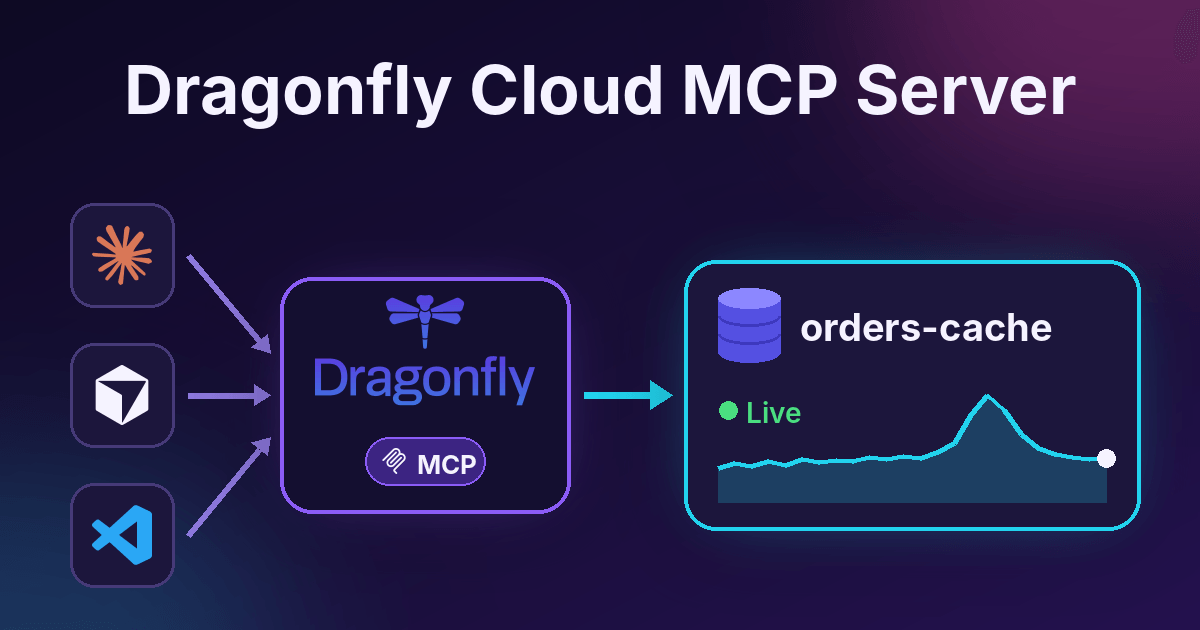
Today we are launching the Dragonfly Cloud MCP server, a hosted and OAuth-compliant way for AI tools to work with your Dragonfly Cloud account. We’re releasing this MCP server so that Dragonfly is even simpler to use for developers and agents, as agents increasingly do the work of monitoring and managing production data stores.
Connect it to Claude, Cursor, VS Code, or any client that supports remote MCP servers. Then ask about your datastores in plain English and get answers from live data.

What is the Dragonfly Cloud MCP server?
The Model Context Protocol (MCP) is an open standard that lets AI tools connect to other systems. An MCP server gives the AI a set of tools. The AI picks the right one, calls it, and uses the result.
The Dragonfly Cloud MCP server gives your AI tools access to your account. With it, an agent can:
- Inspect your datastores: status, nodes, shards, and slot migrations
- Debug performance with `INFO`, live metrics, resource usage over time, `SLOWLOG`, and `DEBUG OBJHIST`
- Run read-only commands like `GET`, `SCAN`, and `HGETALL` against a datastore
- Create, update, start, stop, and delete datastores, if you give it read and write access
- Manage backups, private networks, and VPC peering connections
- Search the audit log and list regions, BYOC accounts, and invoices
This means you can ask things like "Which of my datastores is closest to its memory limit?" or "Why did latency go up on `orders-cache` this morning?" The agent will check metrics, look at the slow log, and tell you what it found.
How to connect to Dragonfly Cloud MCP
Connect with OAuth

OAuth is the easiest way to connect. Here is how it works:
1. Add `https://api.dragonflydb.cloud/v1/mcp` as a remote MCP server in your client. Do not set an API key.
2. Your client opens a browser window and sends you to Dragonfly Cloud.
3. You log in the way you normally do.
4. You see a consent screen. You choose **read-only** or **read and write** access.
5. You go back to your assistant, and it is connected.
A few things worth knowing:
- No registration: The client does not need to be registered with us first. It identifies itself with a public metadata document, and we check it when you connect.
- You are in control: The token only gets the access you choose on the consent screen. It can never do more than your own account can do.
- Read-only is the default: If you do nothing, you get read-only access.
The setup steps depend on your client. In Claude, go to Settings > Connectors and add a custom connector with the URL above. In Claude Code, run:
claude mcp add --transport http dragonflycloud https://api.dragonflydb.cloud/v1/mcpThen run `/mcp` inside Claude Code to sign in. Cursor, VS Code, and other clients have a similar flow. See the docs for each agent harness.
If you can't use a browser, for example in a script or a headless agent, you can use an API key instead. Create one in Access > API Keys with the Read-Only MCP or Full-Access MCP scope, and send it as a bearer token in the `Authorization` header.
Security best practices
An AI agent can make mistakes, and some tools can delete things. Here is how we think about it, and what we suggest you do.
- Start read-only: Most debugging needs nothing more. Switch to read and write only when you need to change something.
- Deletes ask first: Tools that delete or stop things ask you to confirm before they run. This works in clients that support the newer MCP protocol. For older clients, the tool tells the model to ask you first, but it is up to the client.
- Credentials stay out: The MCP server does not return your datastore passwords.
- Treat data as untrusted: Values stored in your datastore are just data. A key could contain text that looks like an instruction. Don't let an agent follow it.
- Use one key per agent: If you use API keys, give each agent its own key so you can revoke one without breaking the rest.
- Check the audit log: Everything the agent does shows up in your Dragonfly Cloud audit log.
Start using Dragonfly Cloud MCP
The Dragonfly Cloud MCP server is available today. We plan to add more tools over time, and we want to know which ones you need. Tell us on our Community Slack or GitHub.
To get started, add `https://api.dragonflydb.cloud/v1/mcp’ to your client, sign in, and ask it to list your datastores. Read the MCP documentation for the full list of tools, or sign up for Dragonfly Cloud if you don't have an account yet.